fitops race
Import race courses and simulate per-kilometre pacing plans adjusted for elevation and weather. Supports target-time, target-pace, and pacer-following strategies.
Output is human-readable by default. Add --json for raw JSON output.
Commands
fitops race import <source>
Import a race course from a GPX, TCX, or KMZ file, a Strava activity ID or URL, or a MapMyRun URL.
fitops race import <source> --name "Course Name"Arguments:
| Argument | Description |
|---|---|
SOURCE | GPX/TCX/KMZ file path, Strava activity ID or URL, or a MapMyRun URL |
Options:
| Flag | Required | Description |
|---|---|---|
--name TEXT | Yes | Display name for the course |
Examples:
# Import from a GPX file
fitops race import berlin-marathon.gpx --name "Berlin Marathon 2026"

# Import from a TCX file
fitops race import course.tcx --name "Local 10K"

# Import from a KMZ file
fitops race import berlin-course.kmz --name "Berlin Marathon 2026"

# Build course from a Strava activity you've already done (pass the activity ID as the source)
fitops race import 12345678901 --name "My Race Course"

# Import from a Strava activity URL
fitops race import "https://www.strava.com/activities/12345678901" --name "My Race Course"

# Import from a MapMyRun URL
fitops race import "https://www.mapmyrun.com/routes/view/..." --name "Local 10K"
Output:
Imported: Berlin Marathon 2026 (42.19 km +218 m) ID 1Courses are stored in the local database. Use the returned ID with fitops race simulate.
fitops race courses
List all imported race courses.
fitops race coursesOutput:
  ID   Name                  Source  Distance   Elevation  Imported
 ────────────────────────────────────────────────────────────────────
   1   Berlin Marathon 2026  gpx     42.20 km   +218 m     2026-03-01
   2   Local 10K             gpx     10.02 km   +48 m      2026-03-10
fitops race course <id>
Show course details and the per-km segment profile.
fitops race course 1Output includes:
- Course summary (name, distance, total elevation gain)
- Per-km segments: distance, elevation delta, grade%, cumulative distance
fitops race splits <id>
Quick even-split plan with no weather or strategy options.
fitops race splits <id> --target-time 3:15:00
fitops race splits <id> --target-pace 4:37
Options:
| Flag | Description |
|---|---|
--target-time HH:MM:SS | Target finish time |
--target-pace MM:SS | Target average pace per km |
One of --target-time or --target-pace is required.
fitops race simulate <id>
Full simulation: per-km splits adjusted for elevation, weather, and pacing strategy.
fitops race simulate <id> [OPTIONS]Options:
| Flag | Default | Description |
|---|---|---|
--target-time HH:MM:SS | — | Target finish time |
--target-pace MM:SS | — | Target average pace per km |
--strategy STRATEGY | even | Pacing strategy: even, negative, or positive |
--pacer-pace MM:SS | — | Pacer pace per km (enables pacer mode) |
--drop-at-km N | — | Km marker to break from the pacer (required with --pacer-pace) |
--temp C | — | Temperature °C (manual override) |
--humidity PCT | — | Relative humidity % (manual override) |
--wind MS | — | Wind speed m/s |
--wind-dir DEG | — | Wind direction degrees (0=N) |
--date YYYY-MM-DD | — | Fetch weather for race day (future = forecast, past = archive) |
--hour N | 9 | Race start hour local time (0–23) for weather fetch |
One of --target-time or --target-pace is required.
Examples:
# Even-split plan for 3:15 marathon
fitops race simulate 1 --target-time 3:15:00

# Negative split strategy
fitops race simulate 1 --target-time 3:15:00 --strategy negative

# With manual weather override
fitops race simulate 1 --target-time 3:15:00 --temp 22 --humidity 65 --wind 3.5

# With race-day weather forecast (auto-fetched from Open-Meteo)
fitops race simulate 1 --target-time 3:15:00 --date 2026-10-25 --hour 9

# Pacer strategy: sit with 4:40/km pacer, push after km 35
fitops race simulate 1 --target-time 3:05:00 --pacer-pace 4:40 --drop-at-km 35
Pacing Strategies
even (default): Constant effort output — faster on downhills, slower on uphills, but equal power/effort throughout.
negative: Start slightly conservative, finish strong. Energy is distributed to reserve ~2% for the second half.
positive: Start slightly faster and manage a slowdown. Useful when the course front-loads climbs.
Pacer mode (--pacer-pace + --drop-at-km): Match the pacer's exact pace until the drop point, then calculate the required pace to hit the target finish given remaining distance and course profile.
Per-Split Output
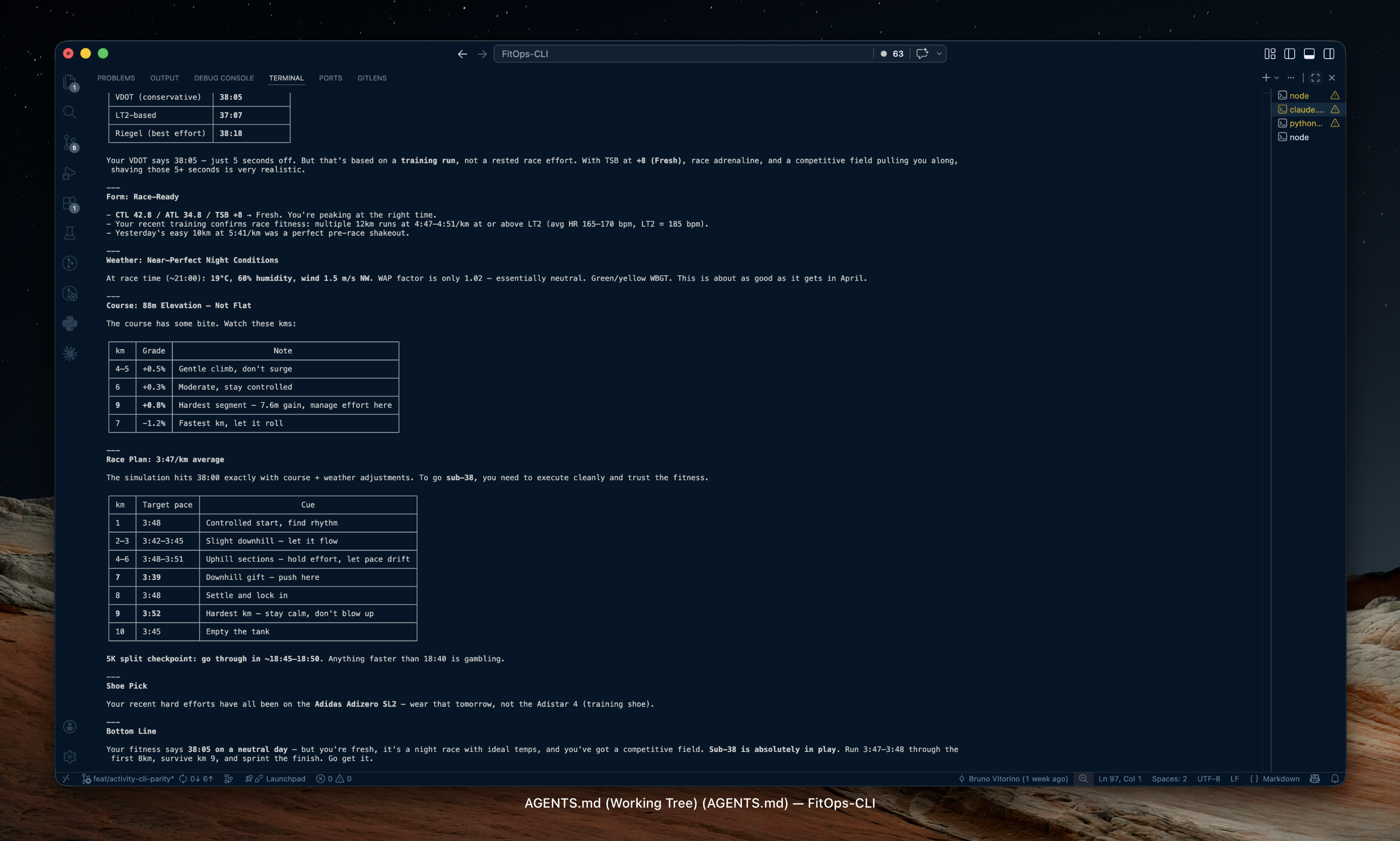
Each row in the output shows:
| Column | Description |
|---|---|
km | Kilometre marker |
elevation_delta_m | Elevation change for this segment |
grade_pct | Average gradient (%) |
gap_factor | Grade-adjusted pace multiplier |
wap_factor | Weather-adjusted pace multiplier |
target_pace | Target pace for this km (MM:SS/km) |
split_time | Time to complete this km |
elapsed_time | Cumulative time at end of km |
fitops race delete <id>
Remove a course from the database.
fitops race delete 1fitops race plan-save <course_id>
Save a simulation as a named Race Plan. Runs the full simulation at save time and caches the per-km splits. Weather and strategy can be updated later with plan-save run again.
fitops race plan-save <course_id> --name "Berlin 2026 Sub-3" --target-time 3:00:00 [OPTIONS]Options:
| Flag | Default | Description |
|---|---|---|
--name TEXT | — | Plan display name (required) |
--target-time HH:MM:SS | — | Target finish time |
--target-pace MM:SS | — | Target average pace per km |
--strategy STRATEGY | even | Pacing strategy: even, negative, or positive |
--pacer-pace MM:SS | — | Pacer pace per km |
--drop-at-km N | — | Km to break from pacer |
--date YYYY-MM-DD | — | Race date (used for weather fetch) |
--hour N | 9 | Race start hour for weather fetch |
--temp C | — | Manual temperature override °C |
--humidity PCT | — | Manual humidity override % |
--wind MS | — | Wind speed m/s |
--wind-dir DEG | — | Wind direction degrees (0=N) |
--json | — | Output raw JSON |
Examples:
# Save a plan for Berlin with auto-fetched weather
fitops race plan-save 1 --name "Berlin 2026 Sub-3" --target-time 3:00:00 --date 2026-09-29 --hour 9

# Negative split plan with manual weather
fitops race plan-save 1 --name "Berlin Negative" --target-time 3:05:00 --strategy negative --temp 18 --humidity 60
fitops race plans
List all saved race plans.
fitops race plans [--json]Output:
  ID   Name                  Course  Date        Target    Strategy  Activity
 ───────────────────────────────────────────────────────────────────────────────
   1   Berlin 2026 Sub-3     1       2026-09-29  3:00:00   even      pending
   2   Local 10K A-race      2       2026-06-15  42:00     negative  linked
fitops race plan <plan_id>
Show the detail view of a saved plan: summary, weather conditions at save time, and the full per-km simulation splits.
fitops race plan 1 [--json]fitops race plan-compare <plan_id>
Compare the simulated per-km splits against the actual splits from the linked activity. Requires the plan to have an associated activity (activity_id set by auto-matching during fitops sync).
fitops race plan-compare 1 [--json]Output:
  km   Sim Pace   Actual Pace   Δ       HR    Cadence
 ──────────────────────────────────────────────────────
   1   4:15       4:18          +3s     152   172
   2   4:13       4:10          -3s     155   174
  ...
Actual finish: 3:01:24   Avg pace: 4:18/km
Delta is colour-coded: green when you ran faster than plan, red when slower.
fitops race plan-delete <plan_id>
Delete a saved race plan.
fitops race plan-delete 1Race Analysis — Multi-Athlete Sessions
Race Analysis lets you replay a race with one or more athletes side by side, computing gap trends, segment breakdowns, and a richer tactical event timeline (surges, passes, breakaways, decisive moves, and more).
fitops race session-create
Create a race analysis session from a primary Strava activity. Streams are fetched, normalised onto a 10 m grid, and the full analysis pipeline runs immediately (gap series, segments, event detection).
fitops race session-create --activity <strava_id> --name "Session Name" [--course <id>] [--json]Options:
| Flag | Required | Description |
|---|---|---|
--activity INT | Yes | Primary Strava activity ID |
--name TEXT | Yes | Session display name |
--course INT | No | Optional course ID — uses course km-segments for segment detection instead of altitude-based fallback |
--json | No | Output raw JSON |
Example:
fitops race session-create --activity 12345678901 --name "Berlin 2026" --course 1Output: Full session detail (same as fitops race session <id>).
Note: The primary activity must have streams synced. Run
fitops sync streamsif you see a "No streams found" error.
fitops race session-add-athlete
Add a comparison athlete to an existing session. Accepts a Strava activity ID (public activity) or a GPX file. All analysis (gap series, events, segment rankings) is fully recomputed with the new athlete included.
fitops race session-add-athlete <session_id> --label "Name" [--activity <id> | --gpx <file>] [--json]Arguments:
| Argument | Description |
|---|---|
SESSION_ID | ID of the existing session |
Options:
| Flag | Required | Description |
|---|---|---|
--label TEXT | Yes | Display label for this athlete |
--activity INT | No* | Strava activity ID (public activity) |
--gpx PATH | No* | Path to a GPX file |
--json | No | Output raw JSON |
*One of --activity or --gpx is required.
Example:
# Add from Strava activity
fitops race session-add-athlete 1 --label "Alex" --activity 98765432100

# Add from GPX
fitops race session-add-athlete 1 --label "Sam" --gpx /path/to/sam.gpx
fitops race sessions
List all race analysis sessions.
fitops race sessions [--json]Output:
  ID   Name          Primary Activity  Athletes  Course  Created
 ─────────────────────────────────────────────────────────────────
   1   Berlin 2026   12345678901       3         1       2026-09-29
   2   Local 10K     98765432100       2         —       2026-06-15
fitops race session <id>
Show the full detail view for a session: summary cards, athletes, and all computed analytics.
fitops race session <id> [--json]fitops race session-gaps <id>
Show the gap-to-leader series — time gap (in seconds) and distance gap (in metres) per athlete at every 50 m point along the race.
fitops race session-gaps <id> [--json]The leader at each point is the athlete with the minimum elapsed time. Leader gap is always 0. Positive gap = behind the leader.
fitops race session-segments <id>
Show the segment breakdown — course divided into climbing, flat, and descending sections with per-athlete time, pace, and rank within each segment.
fitops race session-segments <id> [--json]Segments are detected from the linked course's km-segments (grade-based merging) if a course is linked, or from the primary athlete's altitude stream using a rolling-window fallback.
fitops race session-events <id>
Show automatically detected tactical events. The JSON payload and terminal view now include structured context for each event: rival, rank before/after, move window, gap before/after, segment label, confidence, and tags.
| Type | Detection rule |
|---|---|
surge | Velocity >15% above 60 s rolling baseline, sustained for ≥20 s |
fade | Second-half average velocity <90% of first-half average |
final_sprint | Last 400 m average velocity >10% above race average |
drop | Gap to leader grows by >10 s over any 500 m window |
bridge | Gap to leader shrinks by >10 s over any 500 m window |
separation | Athlete first falls 30 s behind the leader |
pass | Athlete improves race position and overtakes the runner ahead |
caught | Athlete closes a meaningful gap and makes contact with the runner ahead |
breakaway | Athlete opens a sustained gap on the runner behind |
pack_split | A field-separating gap opens between adjacent race positions |
decisive_move | Eventual top finisher moves into their final place and keeps it |
recovery | Athlete regains lost ground after a difficult patch |
fitops race session-events <id> [--json]--json includes an events_summary block with the headline move, decisive point, biggest gain, lead-change count, and notable finish kicks.
fitops race session-delete <id>
Delete a race session and all associated data (athletes, gap series, segments, events).
fitops race session-delete <id>Activity Auto-Matching
When fitops sync fetches activity streams, it automatically checks all unlinked plans whose race_date is within ±1 day of the activity's start date. If the activity's GPS start point is within 500 m of the course start coordinates, the plan's activity_id is set automatically.
Once linked, plan-compare and the dashboard plan detail page show side-by-side split comparison.
Weather Auto-Fetch
When --date is provided and the course has GPS coordinates (start lat/lng), FitOps automatically fetches weather from Open-Meteo:
- Future date (within 16 days): uses the Open-Meteo forecast API
- Past date: uses the Open-Meteo historical archive
Manual --temp + --humidity always override auto-fetched weather. If weather fetch fails (network error, date beyond forecast window), neutral conditions (15°C, 40% RH, no wind) are used and a warning is printed.
See Also
- Concepts → Weather & Pace — WAP and GAP adjustment models
- Dashboard → Race Plans — visual split comparison and plan management
- Dashboard → Race Analysis — multi-athlete replay, gap chart, segment rankings, event timeline
fitops workouts simulate— simulate a structured workout on a coursefitops weather forecast— standalone race-day forecast